See It in Action
A modern, intuitive interface for professional Modbus testing and simulation.
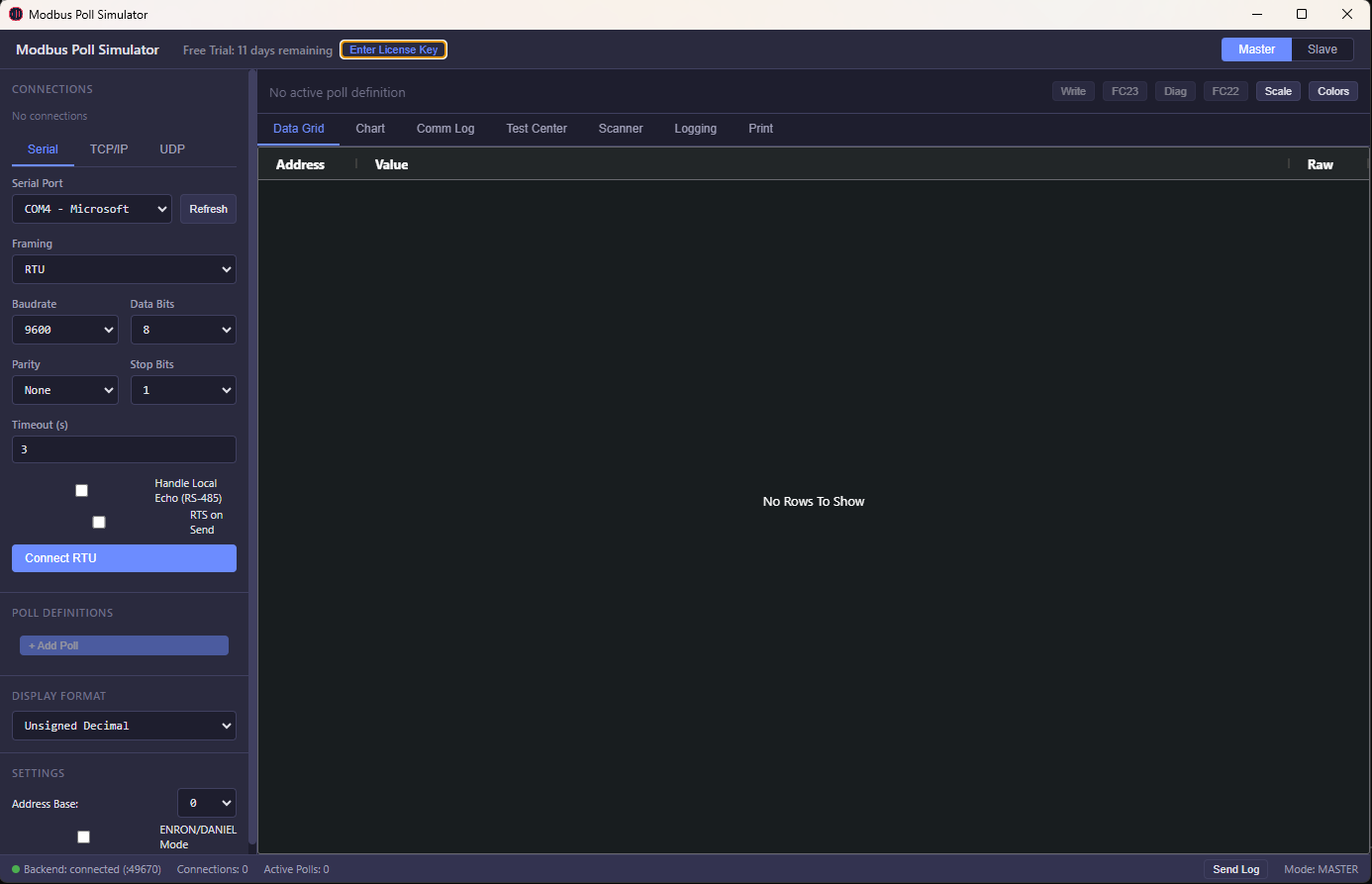
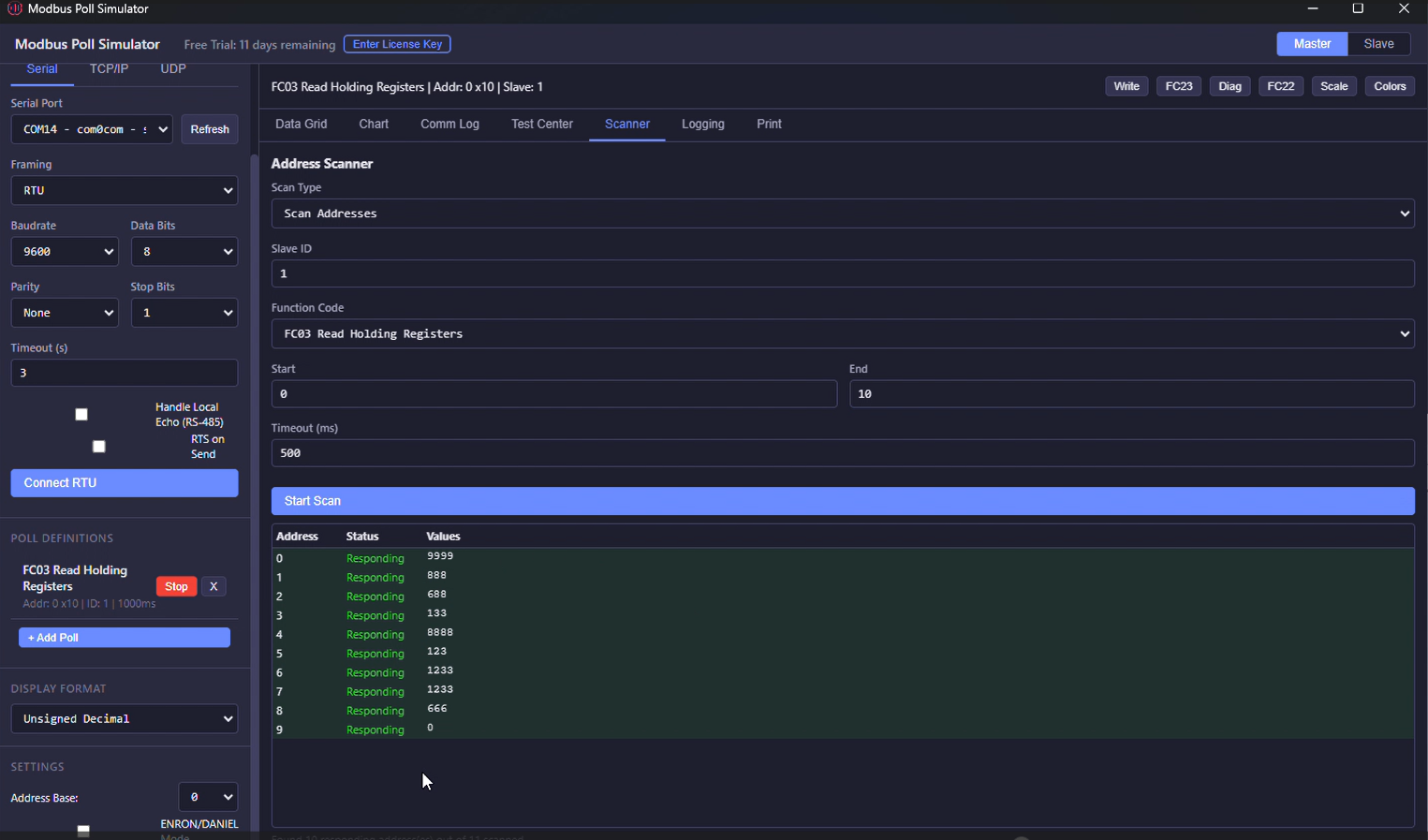 Address Scanner
 Live Charts
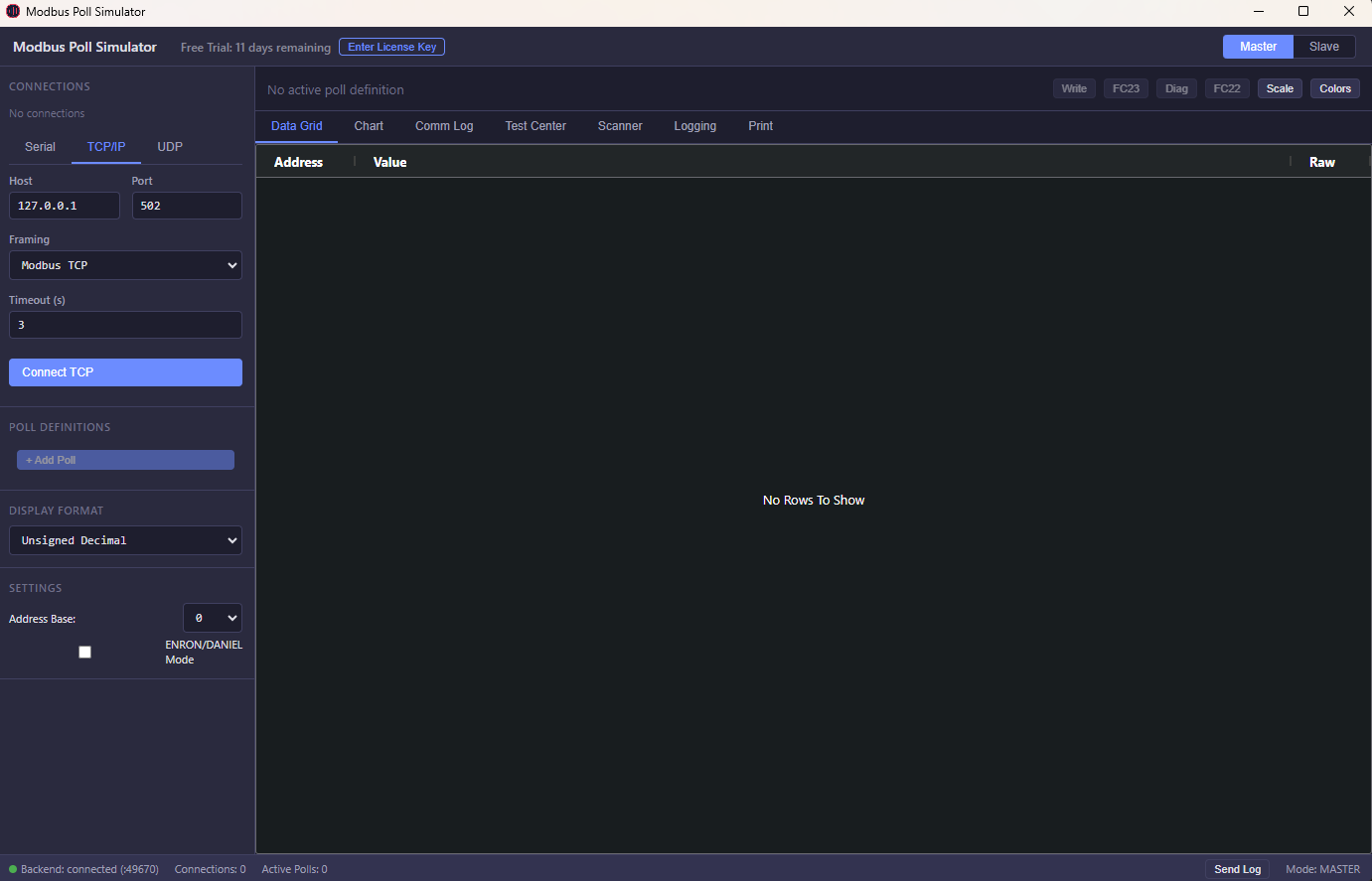
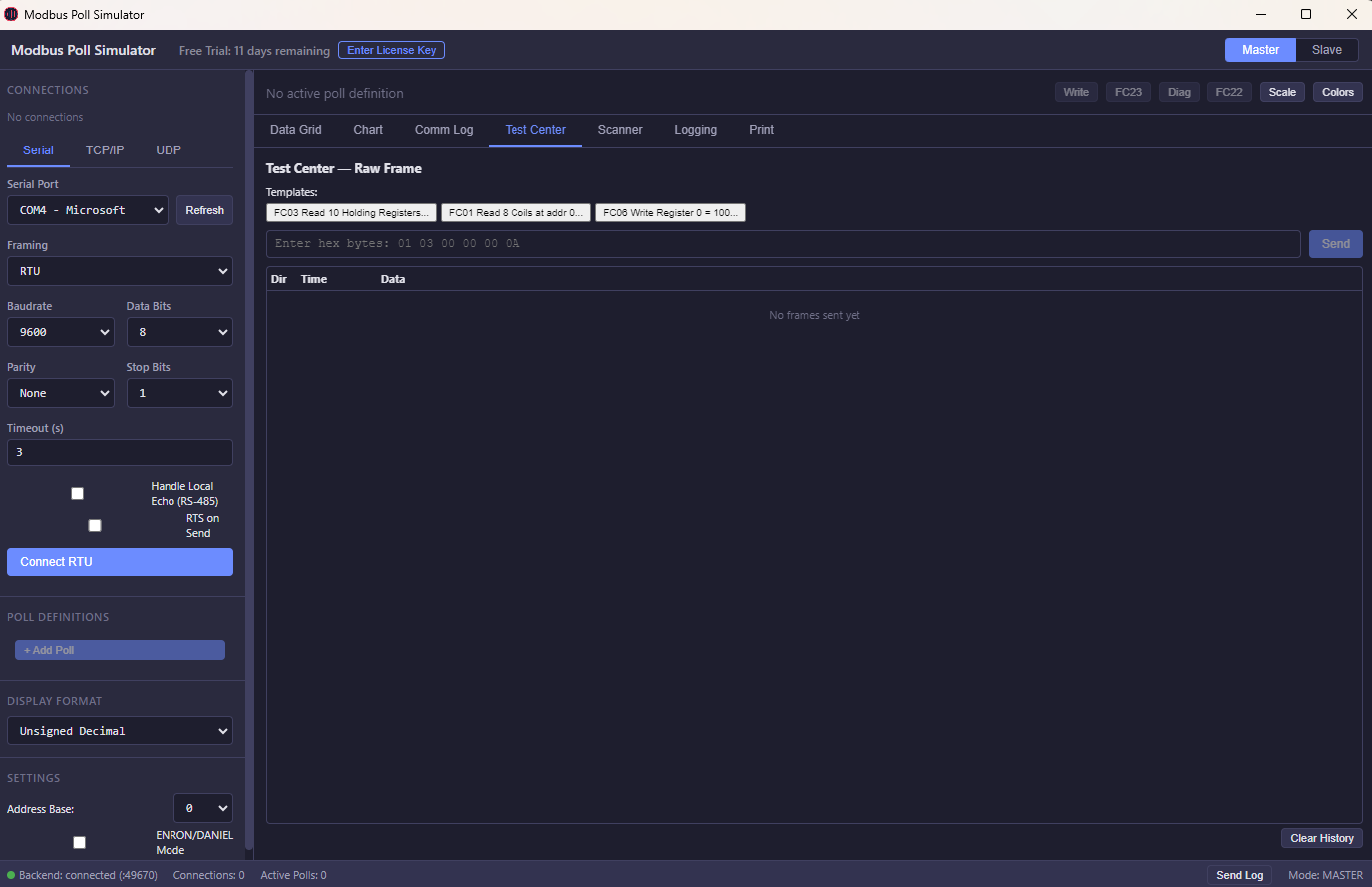 Connection Setup
Test, debug, and simulate Modbus devices without physical hardware. Live data monitoring, fault simulation, and real-time register testing. Master + Slave modes included — no subscriptions, no separate purchases.
Windows 10/11 · 64-bit · Free 30-day trial · No credit card · Download page →
A modern, intuitive interface for professional Modbus testing and simulation.
Address Scanner
Live Charts
Connection Setup
MTK GSM Laboratory V10 New: Ultimate Guide to the MediaTek Flashing Tool
Disclaimer: This article is for educational and informational purposes only. The author is not responsible for any damage to hardware, loss of data, or legal consequences resulting from the use of this software. Always ensure you have the legal right to modify the device you are working on.
The software interprets standard MediaTek scatter files ( .txt ), allowing users to target specific storage sectors. Technicians can use this to rewrite or restore individual partition images—such as boot.img , recovery.img , or userdata —without modifying the entire system structure. 3. Factory Reset and FRP Removal
Remember: With great power comes great responsibility. mtk gsm laboratory v10 new
The tool features updated tables to interact with specific Dimensity chips. However, always run an NVRAM backup before executing scripts on modern 5G platforms to protect network certificates. The exact error message or code you are seeing.
Select the detected preloader port within LibUSB and filter it to bypass authentication layers securely. Step-by-Step Guide: Performing an FRP Reset
The software offers a robust set of features that make it indispensable for any mobile repair professional working with MTK devices. The following features are available in the latest v10 New version, with improved reliability and expanded device support. MTK GSM Laboratory V10 New: Ultimate Guide to
It communicates with the device's storage controller to format user data partitions directly. This provides a direct path to bypass Factory Reset Protection (FRP) and pattern locks on supported MediaTek chipsets by wiping the specific persistent storage blocks ( frp or config ). 4. Broad Windows Compatibility
Install the . This driver is critical for capturing the device's brief USB handshake before Windows assigns a generic MTP driver. Step 2: Launching MTK GSM Laboratory V10 New
The software cannot bind to the device before it switches out of boot mode. The software interprets standard MediaTek scatter files (
Once downloaded, run the installer with administrator privileges. The installation wizard will guide you through the setup. Be sure to install any required USB drivers for MediaTek devices during or after the main installation to ensure proper device detection.
Guide you on needed for your computer.
Direct pricing. No marketing overhead. No subscriptions. Just great software.
One tool. Both sides of the protocol. Full visibility. Master + Slave included — competitors charge separately.
TCP, UDP, RTU, ASCII, RTU-over-TCP, ASCII-over-TCP, RTU-over-UDP, ASCII-over-UDP. RS-485 RTS toggle and local echo support.
FC01-06, FC08 Diagnostics, FC11 Event Counter, FC15/16 multi-write, FC17 Report Server ID, FC22 Mask Write, FC23 Read/Write, FC43 Device Info.
Real-time line charts with up to 8 simultaneous address traces. Color-coded, auto-scrolling, time-based display.
16-bit signed/unsigned/hex/binary/BCD, 32-bit float (4 byte orders), 64-bit double, 32/64-bit long, and ASCII string.
Log to CSV or XLSX in real-time. Print or export to PDF. REST API for Excel/VBA integration. Full communication logger with TX/RX hex data.
NEW: Raw frame analysis, exception injection, burst/adaptive polling, frame-level diagnostics. PLUS: Test Center, Address Scanner, color rules, scaling/offset, broadcast mode, ENRON/DANIEL addressing.
21+ display formats with 4 byte-order options. Scaling, offset, and conditional color rules.
Pay once. Own forever. No subscriptions. No annual fees. No hidden costs. Both Master & Slave modes included.
Download includes a 30-day free trial. No credit card required.
Windows 10/11 · 64-bit · 118 MB
Windows SmartScreen Warning?
After downloading, Windows may show a "Windows protected your PC" warning. This is normal for new software. To install:
1. Click "More info"
2. Click "Run anyway"
The app is 100% safe — no malware, no adware.